
Private PDF redaction for your Mac
Find, review, and redact sensitive information from PDFs without uploading your documents. Ember Redact works entirely on your computer, requires no account, and gives you control over every match before anything is redacted.
Coming soon to the Mac App Store
Private by design • Works offline • No accounts or analytics
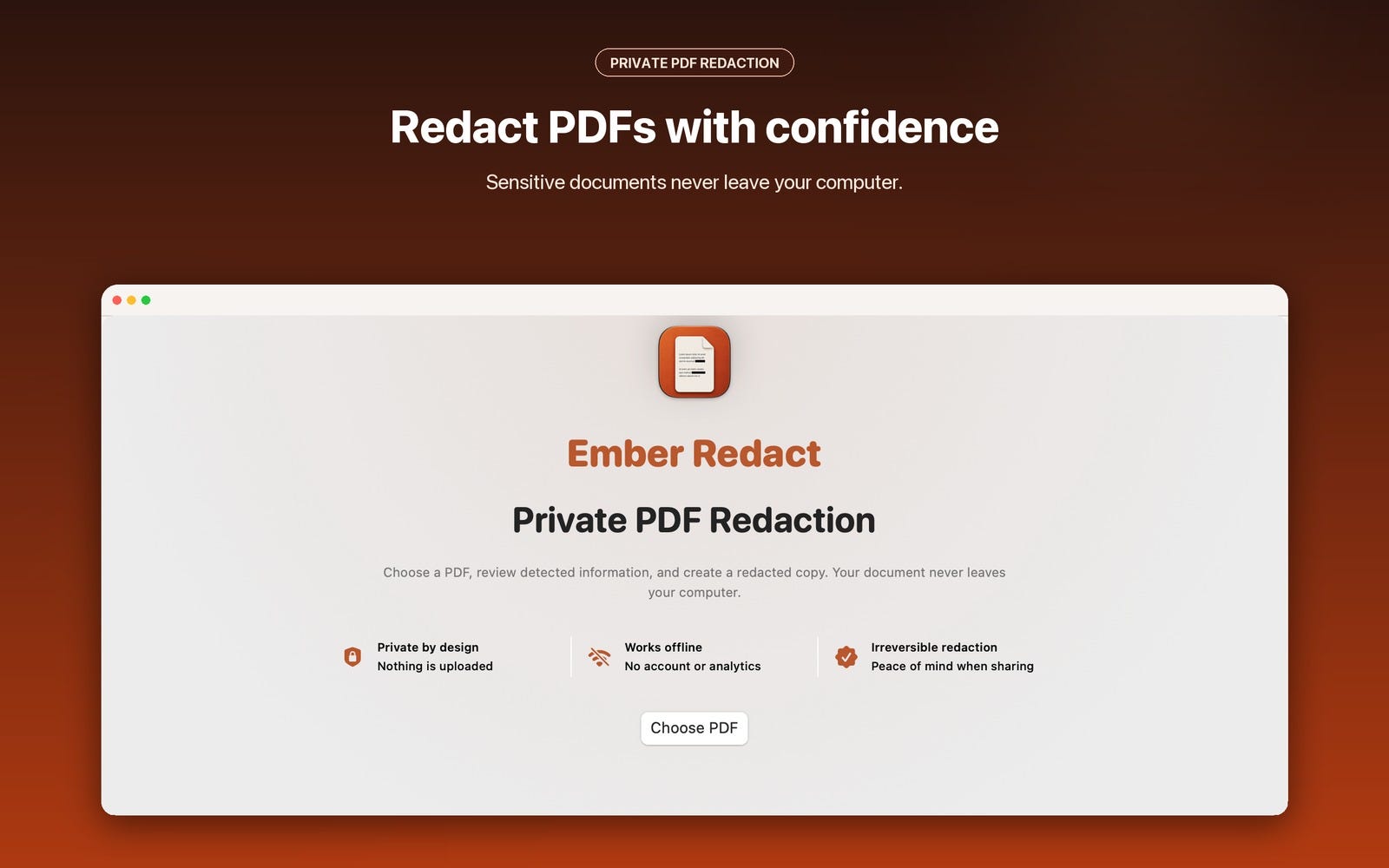
Sensitive documents should not require an upload
Tax returns, financial statements, employee records, contracts, and identification documents often contain information that should not be shared.
Many online redaction tools require you to upload those files before they can be processed. Ember Redact takes a different approach.
Your PDFs stay on your computer throughout the entire workflow. There is no account to create, no cloud service to trust, and no document upload.
Redact a PDF in four simple steps
1. Choose a PDF
Select a text-based PDF using the standard macOS file picker. Ember Redact only accesses the document you choose.
2. Choose what to detect
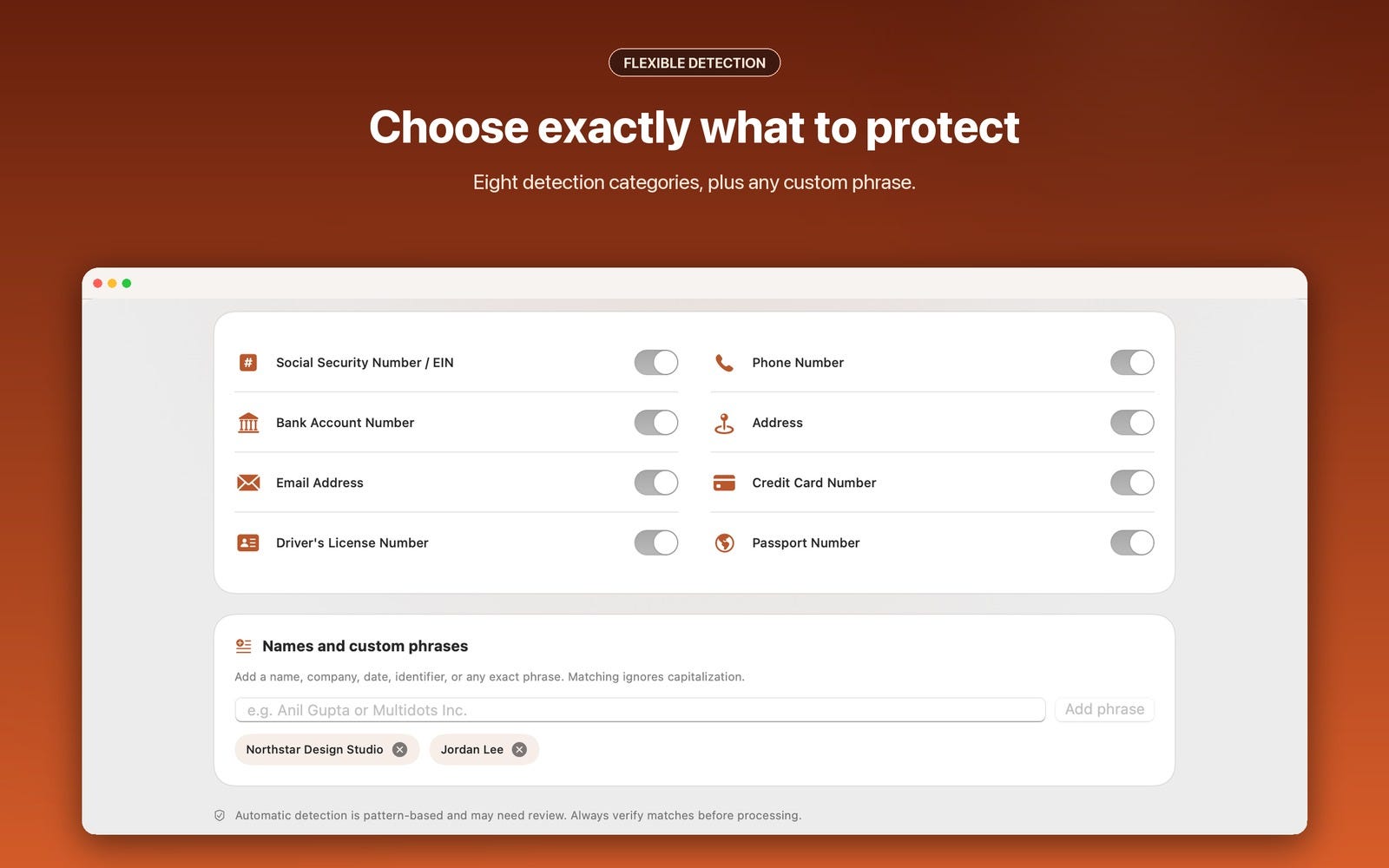
Turn detection categories on or off and add any names, companies, dates, identifiers, or exact phrases you also want to find.
Custom phrase matching ignores capitalization.
3. Review every match
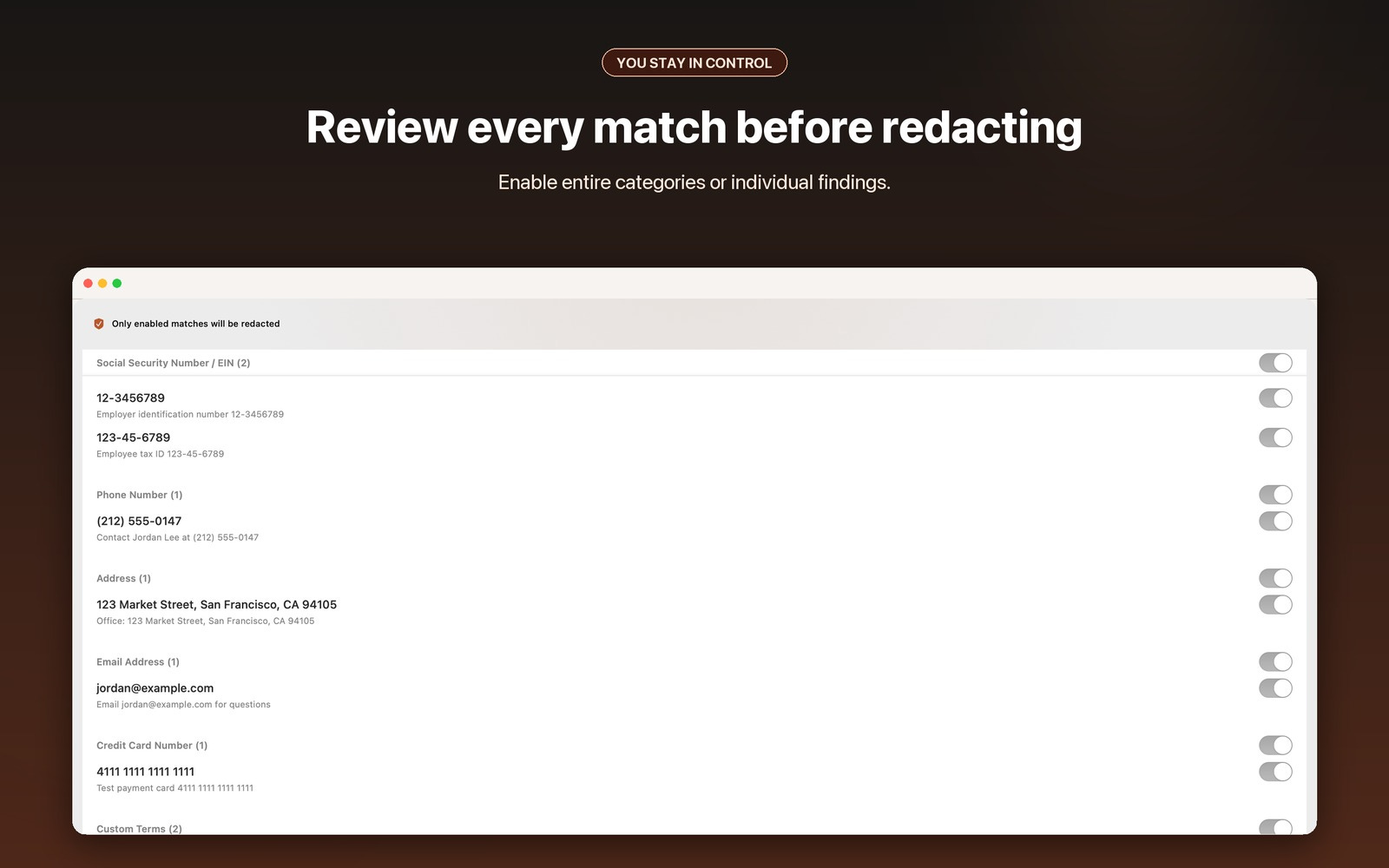
Ember Redact shows everything it found before changing the document.
Enable or disable an entire category, or review individual findings one at a time.
4. Save the redacted copy
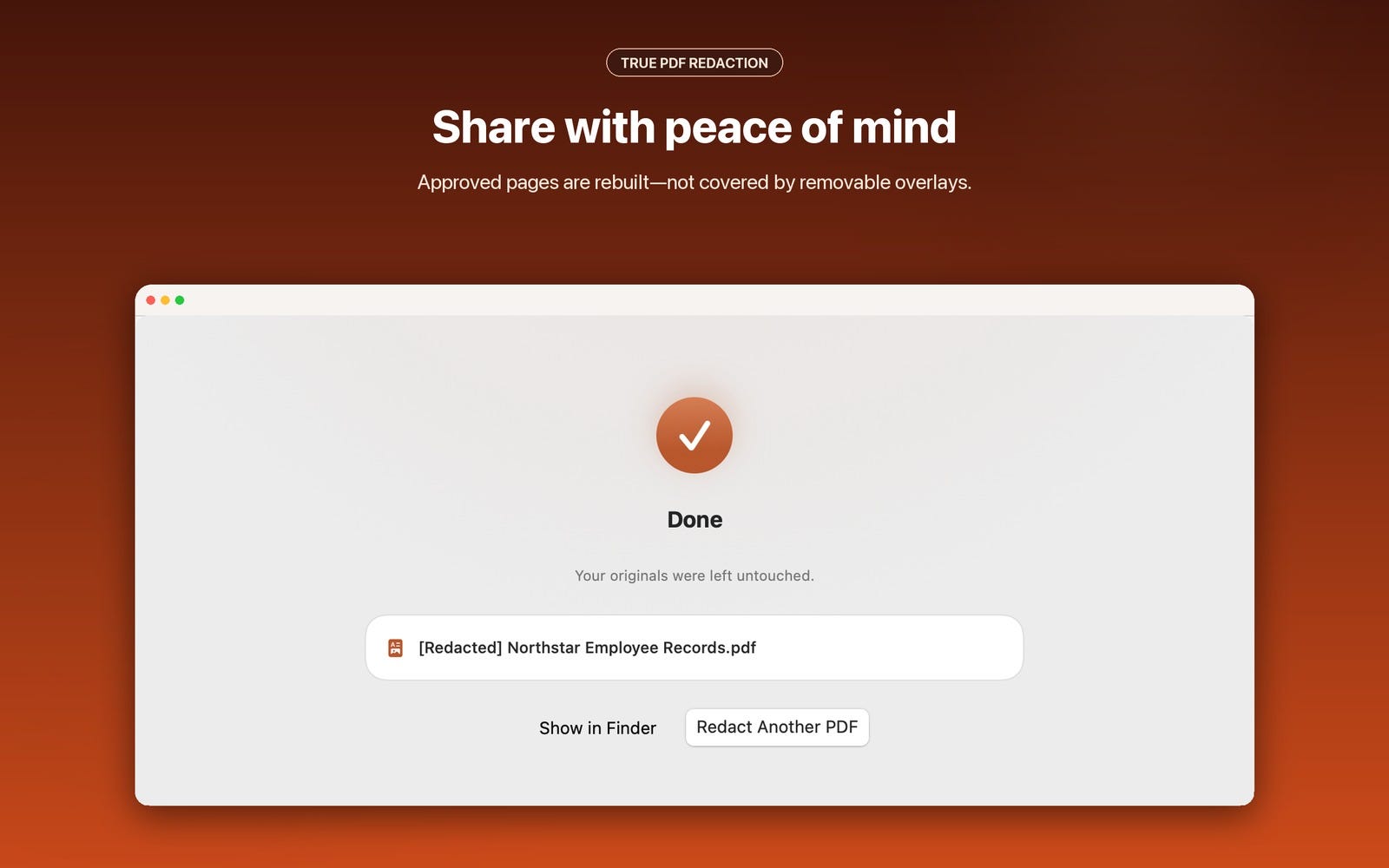
Choose where to save the finished PDF. Your original document remains untouched, and the new filename begins with [Redacted] so the two files are easy to distinguish.
Choose exactly what to protect
Ember Redact can scan for:
Social Security numbers and EINs
Phone numbers
Bank account numbers
Postal addresses
Email addresses
Credit card numbers
Driver’s license numbers
Passport numbers
Names and exact phrases you enter yourself
Automatic detection is pattern-based, so you always get a review step before the redacted copy is created.
True redaction—not a black box placed over text
Some PDF tools only draw a black rectangle over sensitive text. That can leave the original information underneath the rectangle, where it may still be selected, copied, or exposed by removing the overlay.
Ember Redact rebuilds pages containing approved redactions. In the exported copy, the redacted information is not left beneath a removable annotation layer.
Your original PDF is never modified. Always share the new [Redacted] copy and review the finished document before sending it.
Private by design
Ember Redact:
Processes documents locally on your computer
Works without an internet connection
Does not upload your PDFs
Does not require an account
Does not include analytics or advertising
Does not track your activity
Does not use cloud processing
[IMAGE: Ember Redact privacy and offline features]
Designed for macOS
Ember Redact is a native Mac app with familiar file pickers, keyboard-friendly controls, light and dark mode support, and a focused workflow that stays out of your way.
Important document compatibility information
Ember Redact currently works with PDFs that contain readable text.
Scanned documents and image-only pages may not contain text the app can analyze. The app warns you when it encounters pages it cannot safely scan.
Always inspect the finished PDF before sharing it, particularly when the original contains scans, images, unusual formatting, or damaged text.
Frequently asked questions
Does Ember Redact upload my documents?
No. Scanning and redaction happen locally on your computer.
Does it require an account or subscription?
No account is required. Ember Redact is planned as a one-time Mac App Store purchase, not a subscription.
Is my original PDF changed?
No. Ember Redact creates a separate redacted copy and leaves the original untouched.
Can someone remove the black boxes from the finished PDF?
The exported redactions are not removable PDF annotation overlays. Pages containing approved redactions are rebuilt so the original information is not left underneath a movable black box.
Can Ember Redact scan image-only or handwritten documents?
Not in the current version. Ember Redact requires readable PDF text and warns you about pages it cannot scan.
What if something is missed or detected incorrectly?
Review every match before processing. You can disable incorrect findings and add missed information as a custom phrase before scanning again.
Redact sensitive PDFs without sending them anywhere
Keep private documents on your computer, review every detected match, and create a redacted copy you can share with confidence.
For help and complete privacy information, visit the Ember Redact Support & Privacy Policy.